
How to Use a VPN on MacBook Pro: Complete Technical Setup & macOS Guide

To use a VPN on MacBook Pro, install a dedicated macOS client or configure an IKEv2 connection through System Settings, grant the necessary Network Extension permissions, select a server location, and initiate the encrypted tunnel. Operating a VPN on modern MacBook Pro hardware ensures system-level encryption for all outbound traffic while preserving the battery efficiency […]
How to Use VPN on MacBook Air
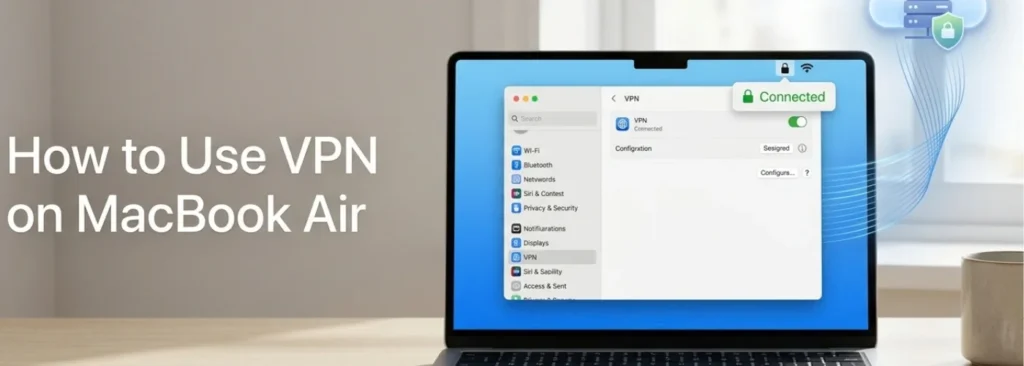
Using a VPN on a MacBook Air works the same way as on any Mac: open the VPN app or connect through macOS’s built-in VPN client, then browse normally while it stays connected in the background. The MacBook Air’s main device-specific considerations are its battery-powered usage and fanless design on most models, covered later in […]
How to Manually Configure VPN on Mac
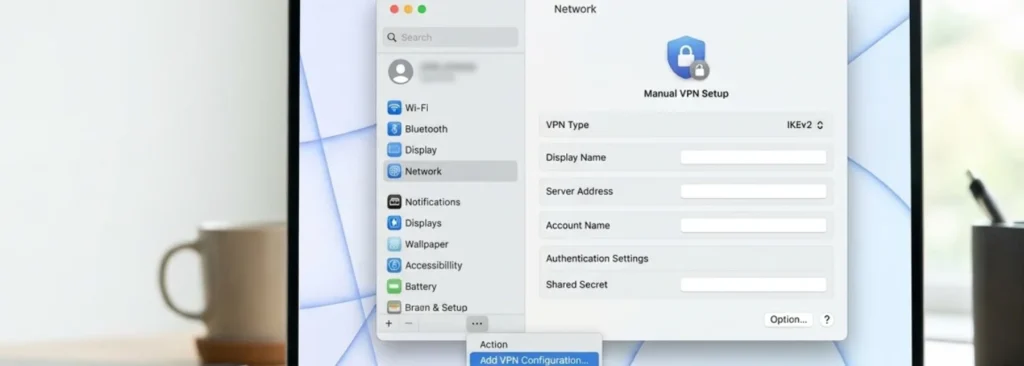
Manually configuring a VPN on Mac means entering a VPN’s connection details directly into macOS’s built-in VPN client, rather than installing a separate VPN app. This method requires having the server, account, and authentication details already on hand, typically from an administrator or VPN provider, before starting. What Manual VPN Configuration Means on Mac Manual […]
How to Turn On VPN on Mac

To turn on VPN on Mac, activate an already installed VPN app or an existing VPN configuration in System Settings, not install one for the first time. The exact steps depend on which type of VPN is being used: a third-party app or a connection configured through macOS itself. Both methods are covered below, along […]
How to Change VPN Location on Mac
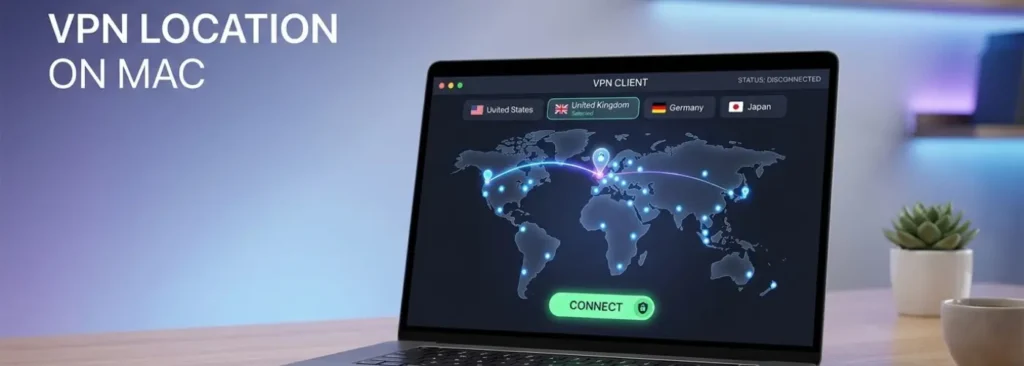
You can change VPN location on Mac by selecting a different server, usually in another country or city, from within the VPN application already installed and connected. People do this to reduce latency to a specific region, test how a site behaves from another country, or reach region specific content. This guide covers the mechanism […]
How to Change IP Address on Mac
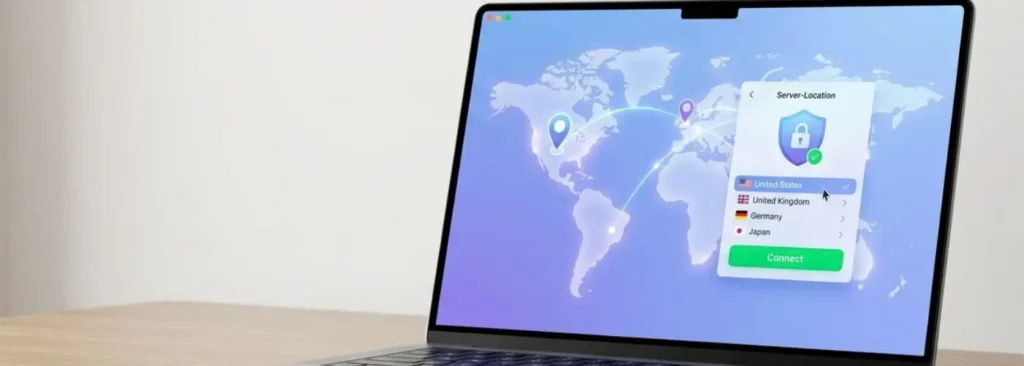
You can change IP address on Mac settings in several ways: renew the DHCP lease, assign a manual IP, restart your router, switch networks, or connect through a VPN. Every Mac has at least two IP addresses at any given moment: a private IP used inside your local network and a public IP that websites […]
How to Use VPN on Mac: A Beginner’s Guide to Safe and Private Browsing
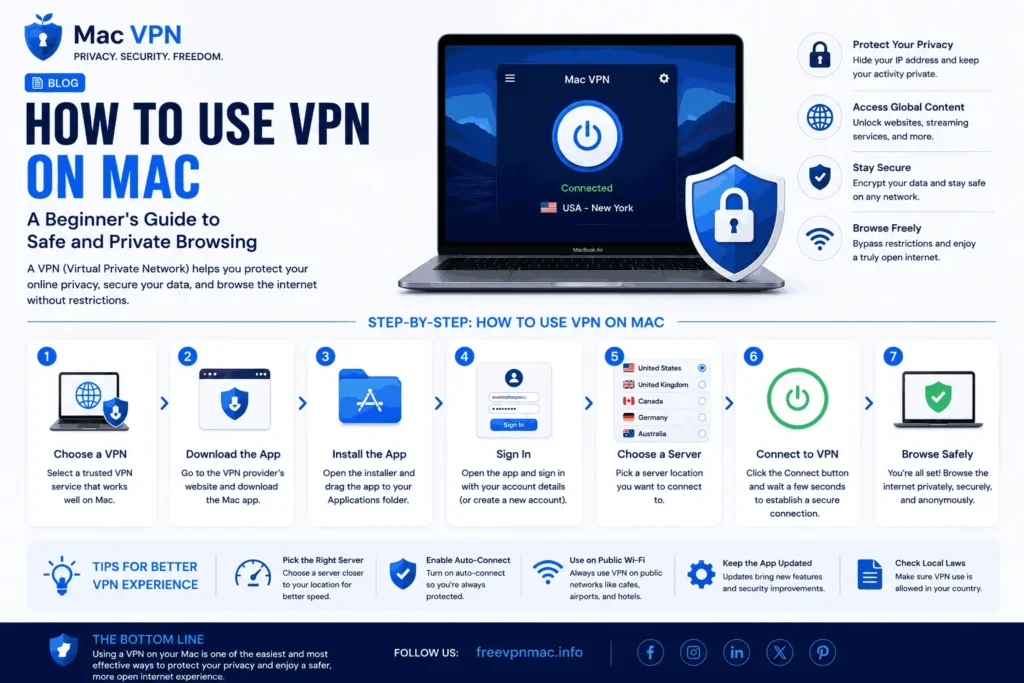
Using a VPN on macOS means routing internet traffic through an encrypted connection that hides the real IP address and protects online activity. Once connected, a VPN secures data transmission, improves privacy, and allows access to content available in different regions. A VPN can be used for secure browsing, public Wi-Fi protection, remote work, and […]
How to Install VPN on Mac in Under 5 Minutes
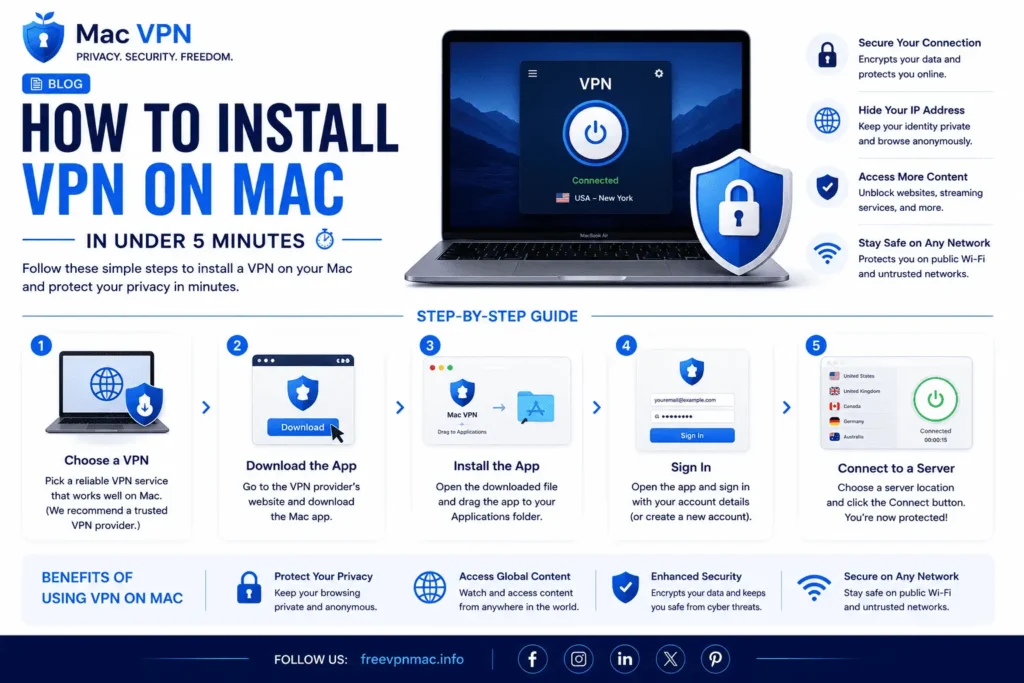
Installing a VPN on Mac takes less than 5 minutes using 3 steps: downloading the app from a verified source, dragging it to the Applications folder, and granting macOS permission prompts. This guide covers selecting a VPN with native Apple Silicon support, navigating the download process safely, understanding each macOS permission prompt, and verifying the […]
Disadvantages of Free VPN on Mac Every User Should Know
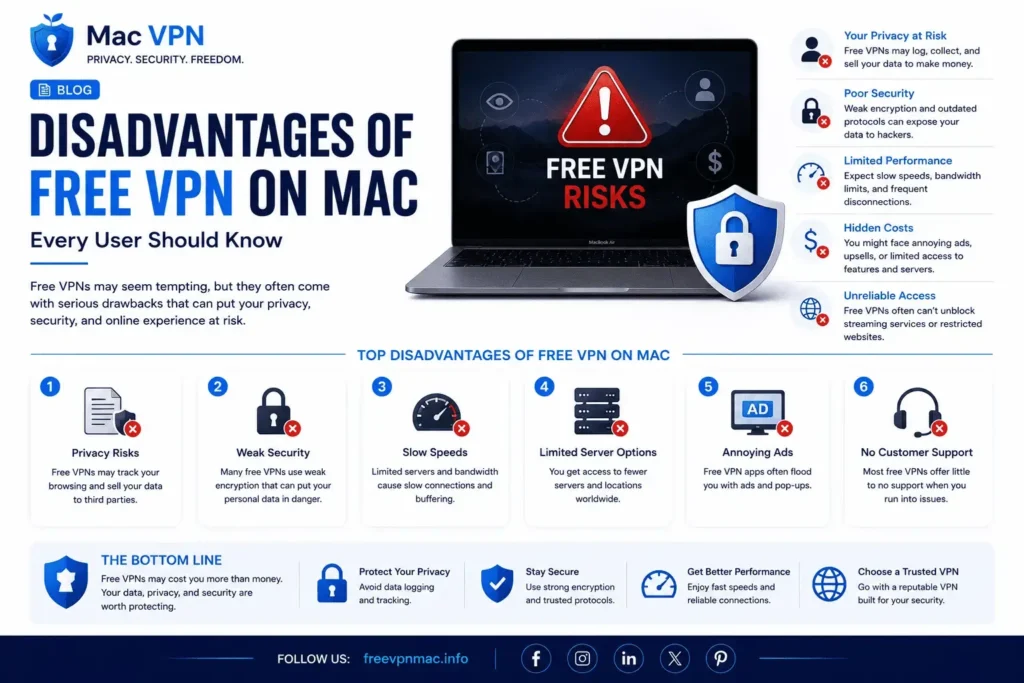
Free VPNs on Mac carry 7 core disadvantages: data logging, weak encryption, bandwidth caps, speed throttling, missing kill switches, ad injection, and malware exposure. These risks stem directly from the business models that fund free services rather than from technical limitations alone. Not all free VPNs carry equal risk. Reputable freemium providers like ProtonVPN and […]
What is a VPN on Mac? Everything You Need to Know
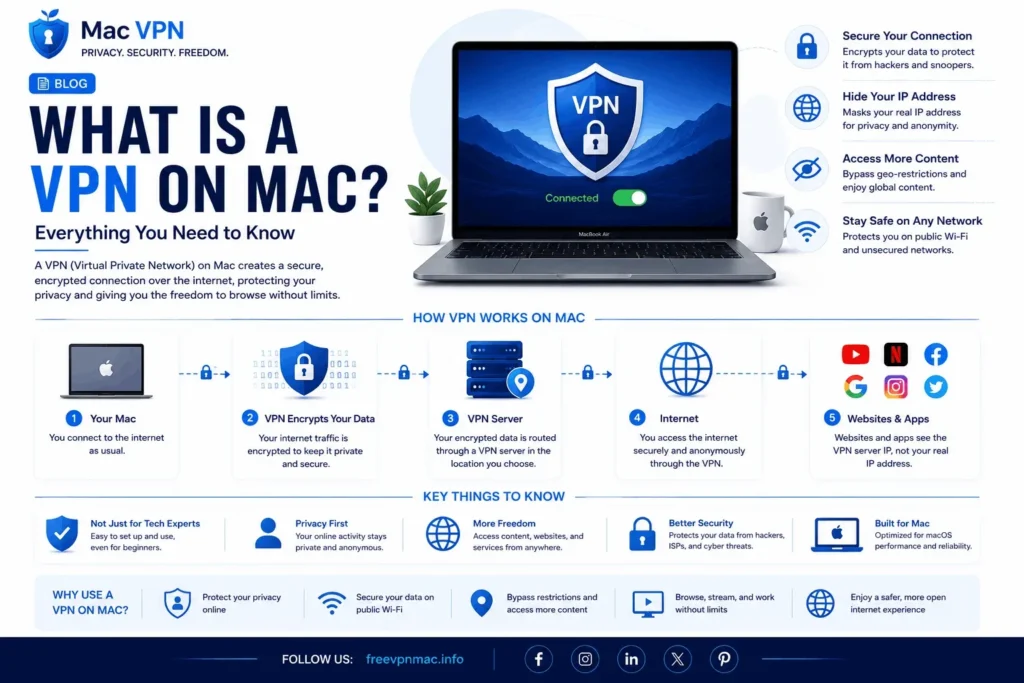
A VPN on Mac is a software tool that encrypts your internet traffic and routes it through a private server, hiding your real IP address and location from websites, advertisers, and your internet service provider. It works like a secure tunnel between your Mac and the internet everything you send and receive passes through this […]